

Noah Morris
Co-Founder
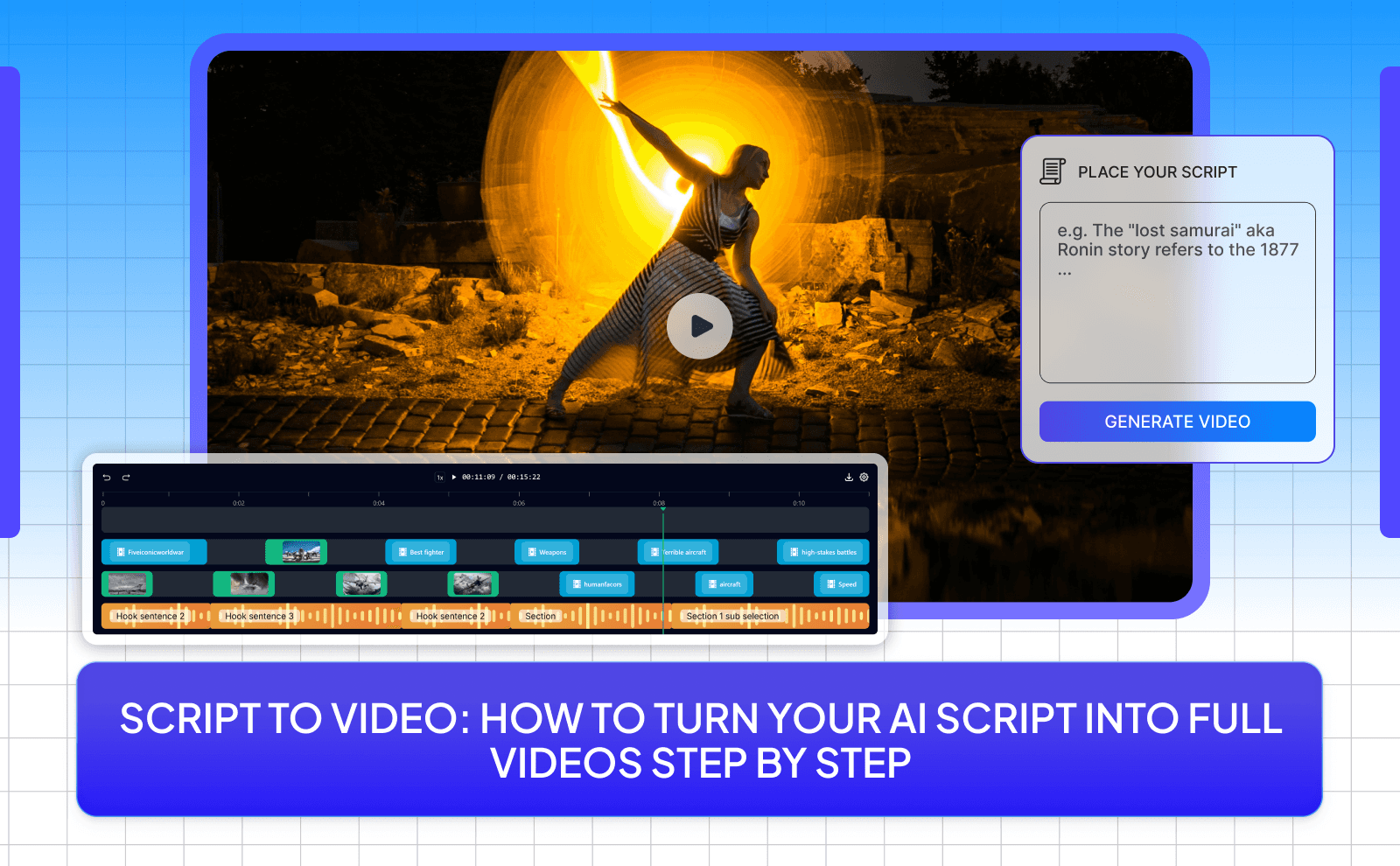
Script To Video: How To Turn Your AI Script Into Full Videos Step by Step
Creating videos sounds exciting at first… until you actually have to do it every single week. You sit there writing the script, then recording, then editing for hours just to finish one video. And right when you’re done, you realize you have to do it all over again next week. It quickly turns into a cycle that drains your energy and eats up your time. Most people don’t quit because they lack ideas, they quit because the process is just too slow and exhausting to keep up with.
That’s where AI script to video tools completely change the game. Instead of doing everything manually, you can turn a simple script into a full video in minutes. The tool handles the visuals, voiceover, and editing for you, so you can focus on your ideas instead of getting stuck in the process. It’s faster, easier, and way more sustainable, especially if you want to stay consistent without burning yourself out.
What Is A Script To Video Tool And Why You Need One?
A script to video tool is a piece of software that turns written text into a full video. Many creators start by using an AI script generator to write their content before turning it into video. You simply paste your script into the tool, and it automatically adds visuals, voiceovers, music, and sometimes subtitles. Instead of recording everything yourself, the tool builds the video for you using stock clips, AI voices, and smart editing.
The reason many people use script to video tools is because creating videos the traditional way takes a lot of time and effort. You normally have to record footage, edit clips, add music, and adjust everything manually. A script to video tool removes most of that work. It lets you focus on the message you want to share instead of spending hours editing. For people who want to post content regularly, this makes video creation much faster and much less stressful.
How Script To Video Generators Save Time And Money?
One of the biggest benefits of script to video generators is the amount of time they save. Normally, creating a video can take several hours or even days if you’re writing the script, finding clips, recording voiceovers, and editing everything together. With a script to video tool, most of those steps happen automatically. In many cases, you can turn a script into a finished video in just a few minutes. This allows creators to produce more content without getting overwhelmed by the editing process.
They also save a lot of money. Hiring video editors, voice actors, or production teams can be very expensive, especially if you’re creating content often. Script to video tools combine many of those roles into one platform. You get access to stock footage, AI voiceovers, music, and editing tools all in one place. This makes it possible for small creators, beginners, and businesses to produce professional looking videos without spending thousands of dollars.
Who Can Benefit From These Tools?
Script to video tools are useful for many different types of people. Content creators, YouTubers, and social media pages can use them to produce videos quickly and stay consistent with uploads. Instead of spending hours editing, they can focus on writing interesting scripts and ideas while the tool handles the rest. This is especially helpful for people running faceless YouTube channels or content pages where the goal is to post videos like a machine.
Businesses and marketers can also benefit a lot from these tools. They can use AI for marketing video content to create promotional videos, product demos, and social media ads without hiring expensive production teams. They can turn blog posts, product descriptions, or marketing scripts into videos that explain their services or promote their brand. Teachers, coaches, and online course creators can use them to turn lessons into simple videos that are easier for people to watch and understand. In short, anyone who wants to share ideas through video but doesn’t want to deal with complicated editing can benefit from using script to video generators.
How AI Script To Video Actually Works?
AI script to video tools work by breaking your script into small parts and matching each part with visuals, voice, and timing. The tool reads your text, understands what it’s about, and then finds video clips or images that fit each sentence. At the same time, it generates a voiceover that sounds natural and syncs it with the visuals. Everything is arranged into scenes, almost like a real editor is putting the video together step by step.
What makes this powerful is that the AI keeps improving based on patterns. It knows that certain words match certain types of visuals, like business topics showing office clips or fitness topics showing workouts. Some tools even adjust pacing, add subtitles, and include background music automatically. So instead of you doing all the small editing decisions, the AI handles most of it and gives you a ready-to-use video in minutes.
From Text Input To Finished Video
It is essential to under how AI video generation works. The process usually starts with you pasting your script into the tool. Once you do that, the AI splits your script into scenes, often line by line or sentence by sentence. Then it assigns visuals to each part using a library of stock videos or images. At the same time, it creates a voiceover that reads your script in a clear and smooth way.
After that, the tool adds extra elements like transitions, subtitles, and background music. Everything gets combined into a full video timeline. You can then preview it, make small changes if needed, and export it. What used to take hours of editing can now be done in a few clicks, which is why so many creators are switching to this method.
What Makes A Good AI Video Generator?
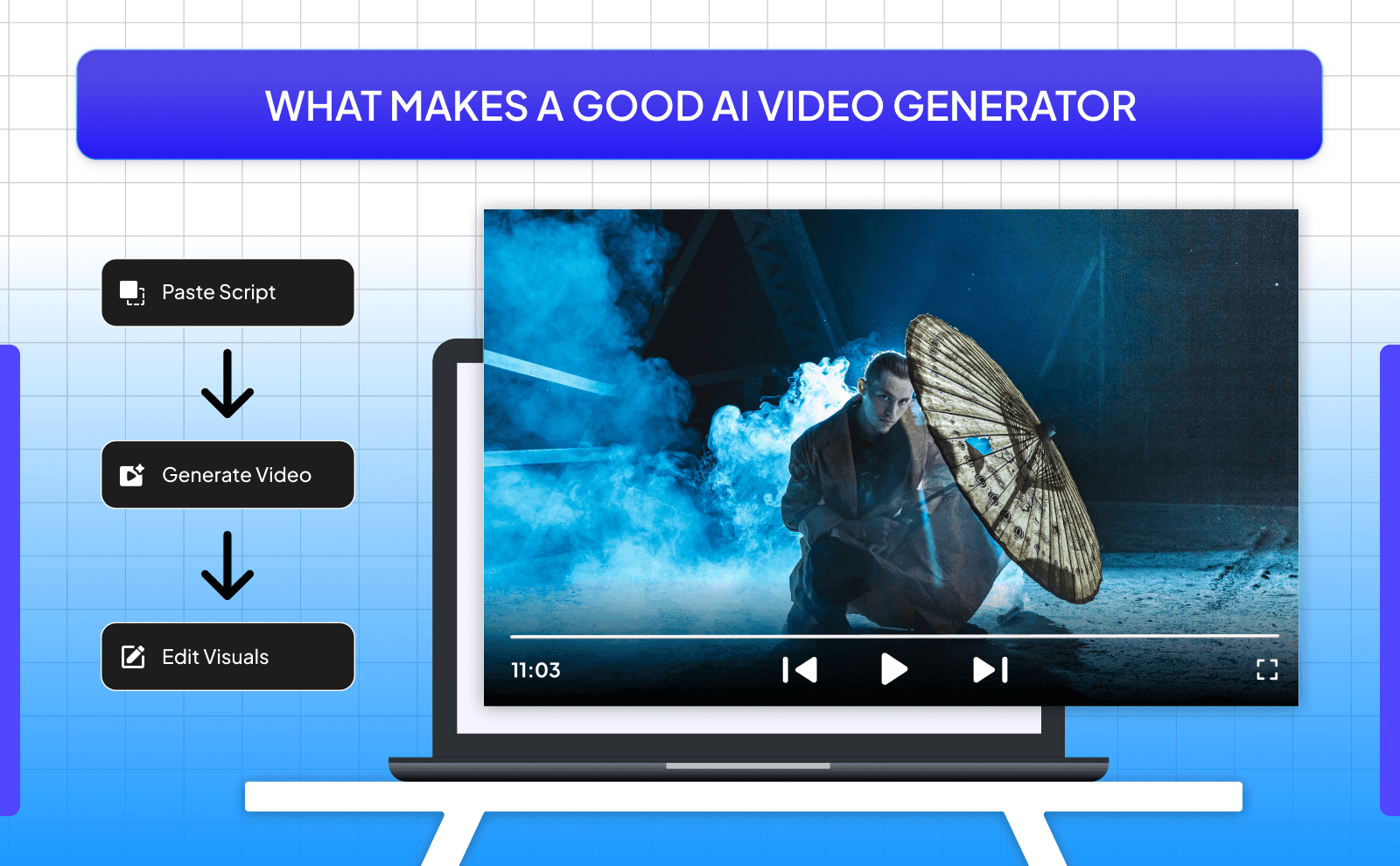
A good AI video generator should feel simple to use but still give you control. You don’t want something confusing where you spend more time learning the tool than creating videos. The best tools let you paste your script, generate a video quickly, and then easily change things like visuals, voice, and text if something doesn’t look right.
Another important thing is quality. The visuals should match your script well, the voiceover should sound natural, and the final video should look clean and professional. Speed also matters a lot, especially if you’re posting content often. The best tools combine all of this: fast results, good quality, and enough customization so your videos don’t all look the same.
Best AI Script To Video Generators You Can Use Today
Free Tools For Beginners
Whether you need an AI video script generator for faceless videos or something for personal branding, there are options for everyone. If you’re just starting out, free tools are a great way to test things without spending money. Platforms like Pictory AI and Lumen5 are popular because they are easy to use and don’t require any editing experience. You paste your script, click a few buttons, and you already have a video ready.
The downside is that free tools usually have limits. You might get watermarks, fewer voice options, or lower quality exports. But for someone who is learning or testing content ideas, they are more than enough. They let you understand how the whole process works before you decide to upgrade.
Professional Platforms For Advanced Users
If you want higher quality and more control, then paid tools are where things get interesting. Platforms like VidRush and InVideo offer better visuals, more realistic voiceovers, and more editing options. Some of them even let you create videos with AI avatars that speak your script.
These tools are better for people who are serious about content creation, running a business, or building faceless channels at scale. You get more freedom to customize your videos and make them look unique instead of generic. While they cost money, they can easily replace the need for editors or voice actors.
Comparing Features To Find The Right Tool
When choosing a tool, don’t just look at the price. Focus on what actually matters for your content. Look at the quality of the visuals, how natural the voice sounds, how fast the video is generated, and how easy it is to edit. A tool might look good at first but feel limiting once you start using it more.
It’s also smart to test a few tools before sticking to one. Try free trials, create a couple of videos, and see which one feels the smoothest for your workflow. The best tool is not the most expensive one, it’s the one that helps you create content consistently without slowing you down.
How VidRush Is The All-Time Best Script To Video Generator Tool?
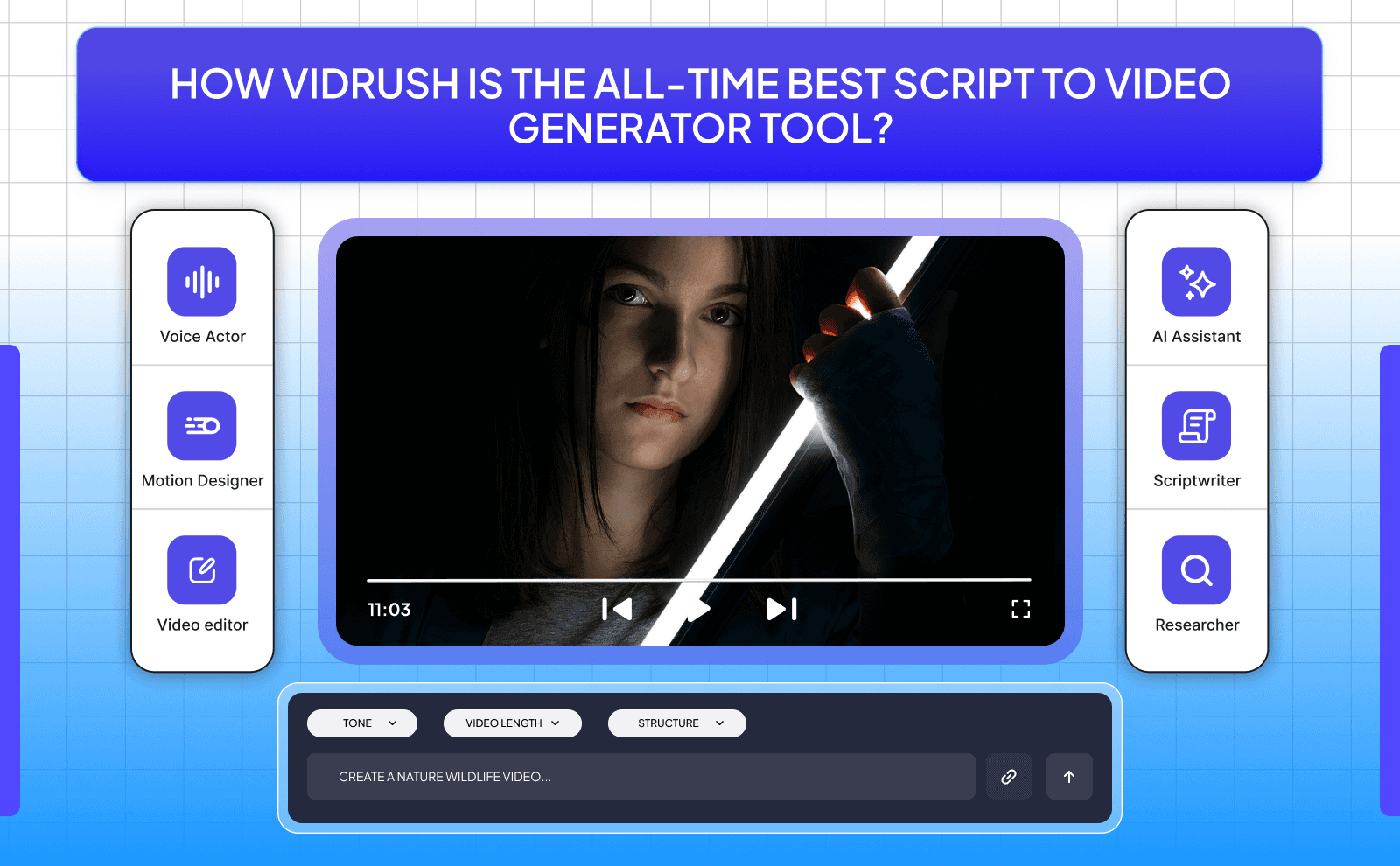
VidRush stands out because it focuses on speed, simplicity, and results. While many tools try to do everything but suck at it, VidRush is built specifically for turning scripts and prompts into videos as fast as possible without making the process complicated. You can go from idea to finished video in minutes, which is perfect for creators who want to post daily content without burning out.
Another reason it stands out is how well it balances automation and control. You can let the AI do most of the work, but you still have the option to change the visuals, add your custom voice, and style to match your brand. This makes it a good choice for both beginners and more advanced users who want a tool that grows with them instead of limiting them.
How To Turn Script Into Video With AI Step By Step?
Step 1: Prepare Your Script For Video Conversion
Before you even open a tool, your script needs to be clean and ready. Keep your sentences short and clear so the AI can match them with visuals easily. If your script is messy or too long in one paragraph, the video will feel confusing and hard to follow.
Step 2: Choose Your Tool And Settings
Once your script is ready, pick the tool you want to use. If you’re a beginner, start with something simple. If you want more control, go for a more advanced platform like VidRush. After that, choose your settings like video length, the format, and voice style.
Step 3: Customize Visuals, Voiceover, And Music
After the AI creates your video, don’t just accept it right away. Go through each scene and check if the visuals match your message. If something feels off, swap it with a better clip. The same goes for the voiceover and music, make sure it sounds clear and fits the tone you want.
Step 4: Review And Edit Your Video
Now it’s time to watch your video from start to finish. Pay attention to pacing, clarity, and flow. If something feels too fast or too slow, adjust it. Fix any text mistakes, timing issues, or awkward transitions. This step is important because even though AI does most of the work, small errors can still happen.
Step 5: Export And Share Your Finished Video
Once everything looks good, export your video in the right format and quality. Most tools will give you options like 1080p or different aspect ratios depending on where you want to post. Choose what fits your platform best. After that, upload your video and focus on distribution. Post it consistently, test different styles, and see what works best.
Tips For Creating Better Videos From Your Script
Writing Scripts That Work Well With AI
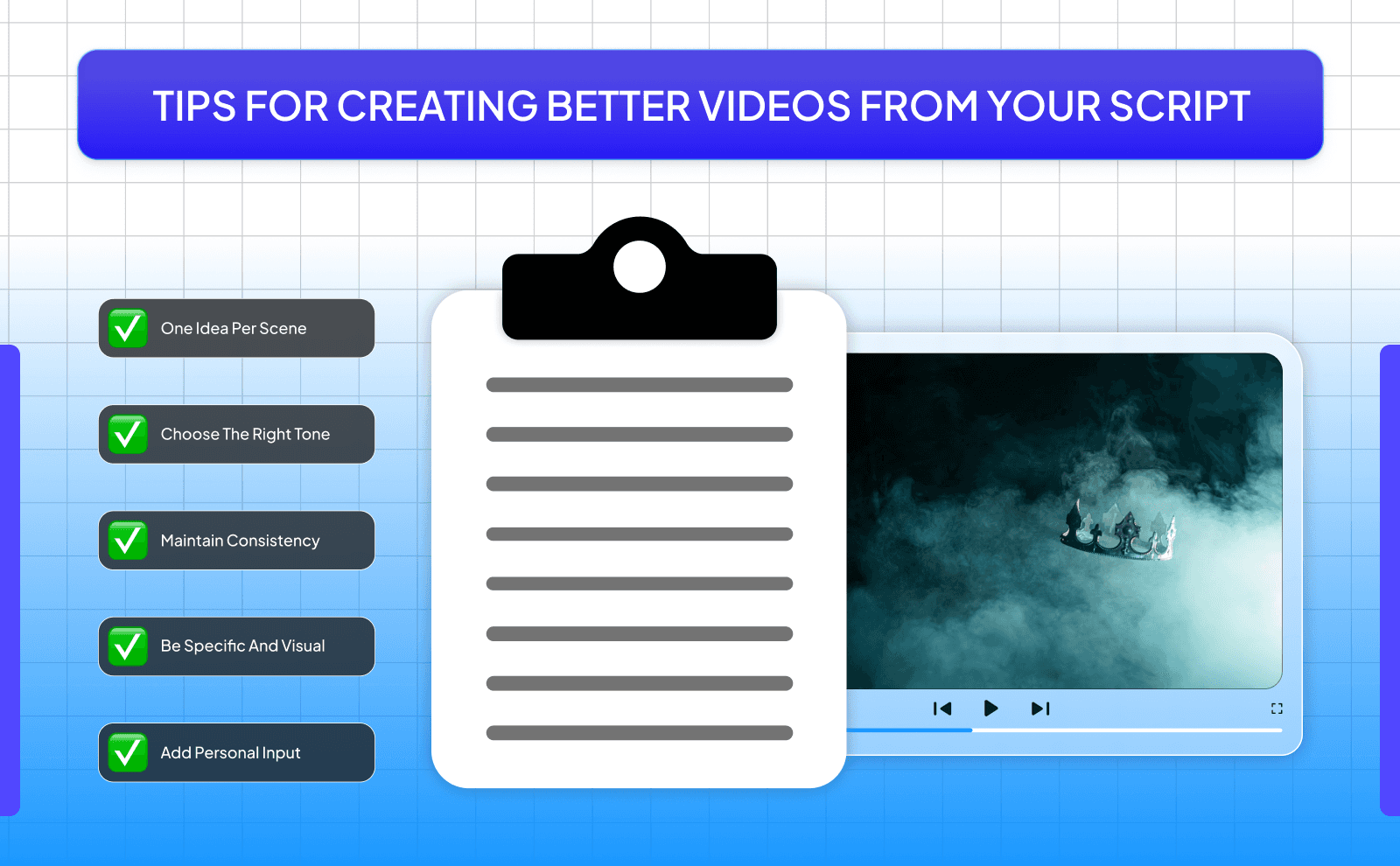
When you write YouTube script with AI video tools, shorter sentences usually work best. Long and complicated paragraphs can confuse the system and lead to random or mismatched visuals. Instead, break your script into small chunks where each sentence represents one idea or one scene. This helps the AI clearly understand what to show at each moment.
Another simple trick is to be more direct with your words. Instead of being vague, describe things in a way that’s easy to visualize. For example, saying “a person working on a laptop” is clearer than saying “someone being productive.” that's a basic example, but the more clear your script is, the easier it is for the AI to turn it into something that actually looks good.
Choosing The Right Tone And Style
Your tone is what makes your video feel a certain way. If you’re making educational content, you might want a calm and clear tone. If you’re making content for social media, a more casual and energetic style usually works better. The tone you choose should match both your audience and the platform you’re posting on.
It’s also important to stay consistent. If your video starts serious and suddenly becomes overly casual, it can feel strange to watch. Pick a style and stick with it from start to finish. This makes your content feel more professional and easier to follow.
Adding Your Personal Touch To AI Content
One of the biggest mistakes people make is letting the AI do everything without adding anything of their own. Even small personal touches can make a big difference. You can adjust the wording, change visuals, or tweak the voiceover to better match your style. This helps your content feel unique instead of looking like everyone else’s.
You can also add your own ideas, opinions, or storytelling style into the script. AI is great for speed, but your creativity is what makes people actually care about the content. When you mix both, you get videos that are not only fast to create but also more engaging.
Common Mistakes To Avoid When Using Script To Video Tools
Script Length And Pacing Problems
One big mistake is making the script too long or too short. If your script is too long, the video can feel slow and boring. If it’s too short, it might feel rushed and not give enough value. Finding the right balance is important so your video keeps people watching without losing their attention.
Pacing also matters a lot. If scenes move too fast, viewers won’t understand what’s happening. If they move too slow, people will click away. Even though AI sets the timing, you should still review and adjust it so the video feels natural.
Ignoring Brand Consistency
If you’re creating content regularly, your videos should have a consistent look and feel. This includes things like colors, fonts, tone, and overall style. If every video looks completely different, it becomes harder for people to recognize your content.
Keeping things consistent helps build trust and makes your content feel more professional. Even simple things like using the same voice style or similar visuals can help create a strong identity over time.
Over-Relying On AI Without Editing
AI is powerful, but it’s not perfect. If you just generate a video and post it without checking anything, there’s a good chance something will feel off. Maybe the visuals don’t match perfectly, or the voice sounds slightly unnatural in some parts.
That’s why editing is still important. You don’t need to spend hours on it, but you should at least review the video and fix anything that stands out. This small step can turn an average video into something much better.
The Future Of AI Video Creation
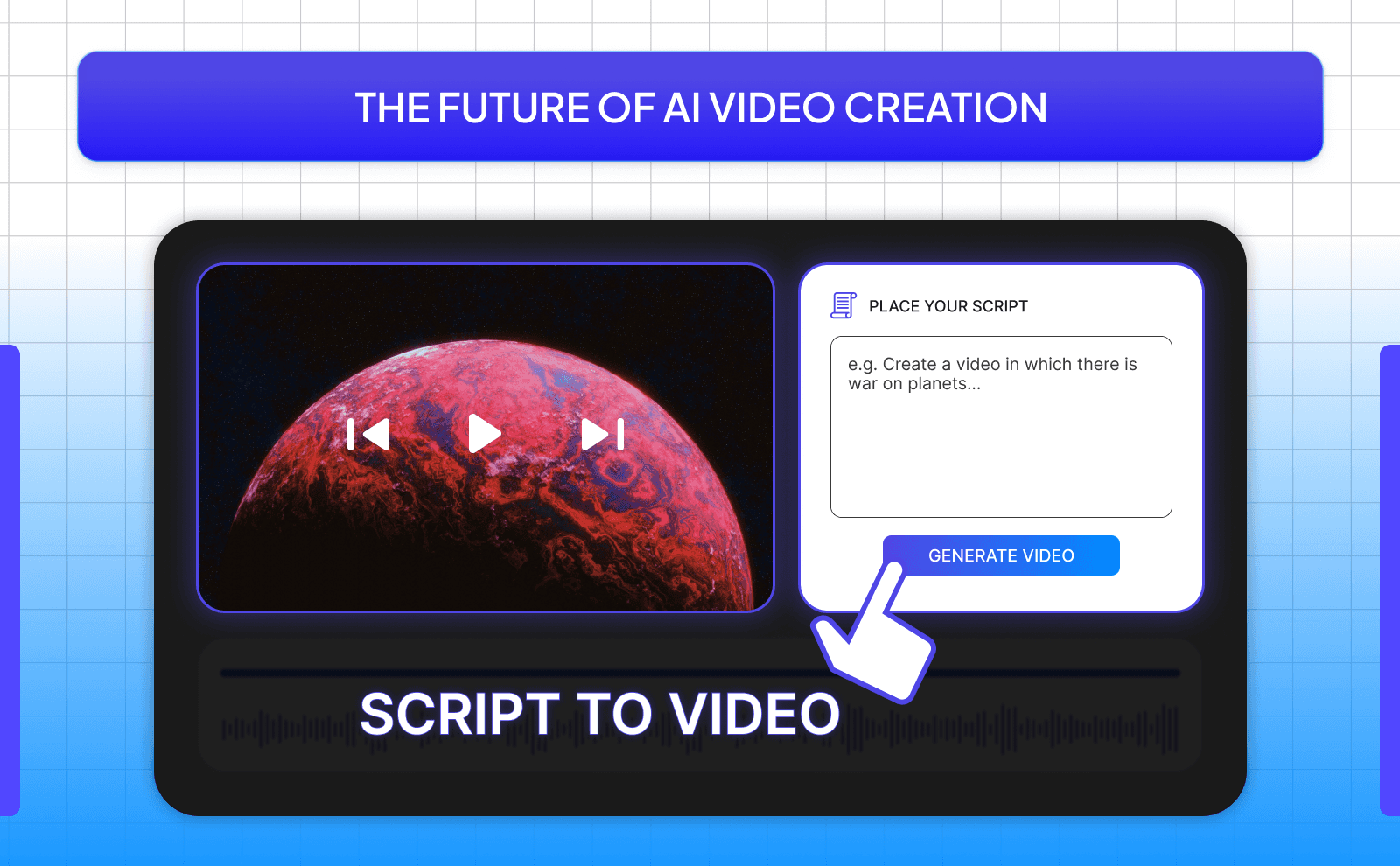
AI video creation is growing fast, and it’s only getting better. More people are discovering AI content creation tools that help them produce videos faster than ever before. What used to take hours or even days can now be done in minutes, and this is just the beginning. More creators, businesses, and even beginners are starting to use these tools because they make content creation much easier and more accessible.
As competition grows, the tools are also improving quickly. Companies are adding better visuals, more natural voices, and smarter editing features. This means that over time, the gap between AI-made videos and traditional videos will become smaller and smaller.
New Trends In Text To Video AI
One of the biggest trends right now is realism. AI voices are starting to sound more human, and visuals are becoming more accurate and less generic. Some tools are also introducing AI avatars that can speak your script, making videos feel more personal without needing to be on camera.
Another trend is automation at scale. People are using these tools to create multiple videos every day, especially for platforms like TikTok and YouTube Shorts. This allows creators to test different ideas quickly and find what works without spending too much time on each video.
How These Tools Are Getting Better?
Script to video tools are improving by becoming smarter and easier to use at the same time. They are getting better at understanding context, which means they can match visuals more accurately to your script. They are also giving users more control, so you can customize videos without making the process complicated.
At the same time, speed and quality are both improving. Videos are generated faster, and the results look higher quality. This combination is what makes AI video tools so powerful, and it’s why more people are starting to rely on them for content creation.
Conclusion
AI script to video tools have completely changed the way people create content. What used to be a slow and complicated process is now simple and fast, allowing anyone to turn ideas into videos without needing advanced skills or expensive equipment. Whether you’re a beginner or someone building a full content business, these tools make it much easier to stay consistent and produce high-quality videos.
Frequently Asked Questions
What Is The Best AI Script To Video Generator?
The best tool depends on your needs, but options like VidRush, Synthesia, and InVideo are among the best choices.
Can I Create Video From Script AI For Free?
Yes, tools like Pictory AI and Lumen5 offer free plans with some limitations.
How Long Does It Take To Convert A Script To Video With AI?
Most AI tools can turn a script into a video in just a few minutes, depending on the length of the script.
Do I Need Video Editing Skills To Use A Script To Video Tool?
No, these tools are designed for beginners and handle most of the editing automatically.
Can AI Text To Video Generators Create Videos In Different Languages?
Yes, many AI tools support multiple languages and offer voiceovers in different accents and styles.