

Noah Morris
Co-Founder
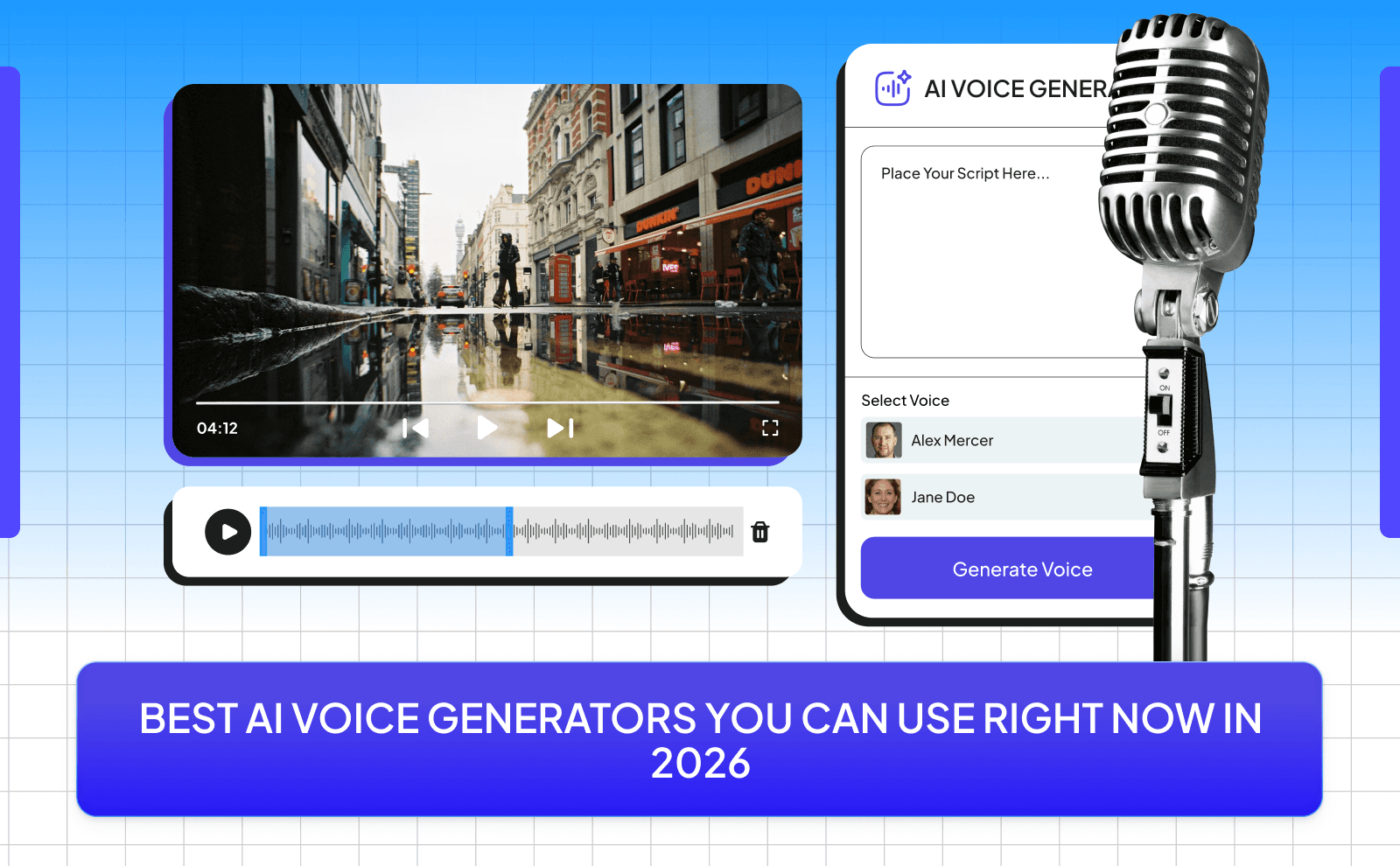
Best AI Voice Generators You Can Use Right Now In 2026
A lot of people want to start creating content, but they get stuck on one thing: using their own voice. Some feel shy or uncomfortable recording, others don’t like how they sound, and for many, English isn’t their first language so they worry about their accent. On top of that, recording takes time. You mess up, you restart, you edit… and suddenly something that should take 10 minutes turns into hours. Because of all this, a lot of people just don’t start at all, even if they have great ideas.
That’s where AI voice generators come in. Instead of stressing about recording, you can just write your script, pick a voice, and turn it into audio in minutes. No mic, no retakes, no pressure. These tools give you clean, natural-sounding voices that you can use for videos, posts, or anything else. It makes the whole process faster and easier, so you can focus on creating instead of overthinking your voice.
Are AI Voice Generators Actually Worth It In 2026?
Right now in 2026, AI voice generators are honestly on another level. You can turn simple text into a voice that sounds almost exactly like a real person talking. natural pauses, emotion, even different accents. Some tools let you choose from hundreds of voices, while others allow you to clone your own voice in minutes. This means you don’t need a studio, a mic, or even confidence in speaking. You just type, click, and you’re done.
The best part is how flexible these tools have become. You can use them for YouTube videos, TikToks, ads, storytelling, or even online courses. A lot of these tools also let you edit tone, speed, and emotion so it actually matches your content. Instead of spending time re-recording over and over, you just tweak a few settings and get exactly what you want. It’s faster, cheaper, and way more efficient than traditional recording.
What Is A Free AI Voice Generator And Why Creators Love It?
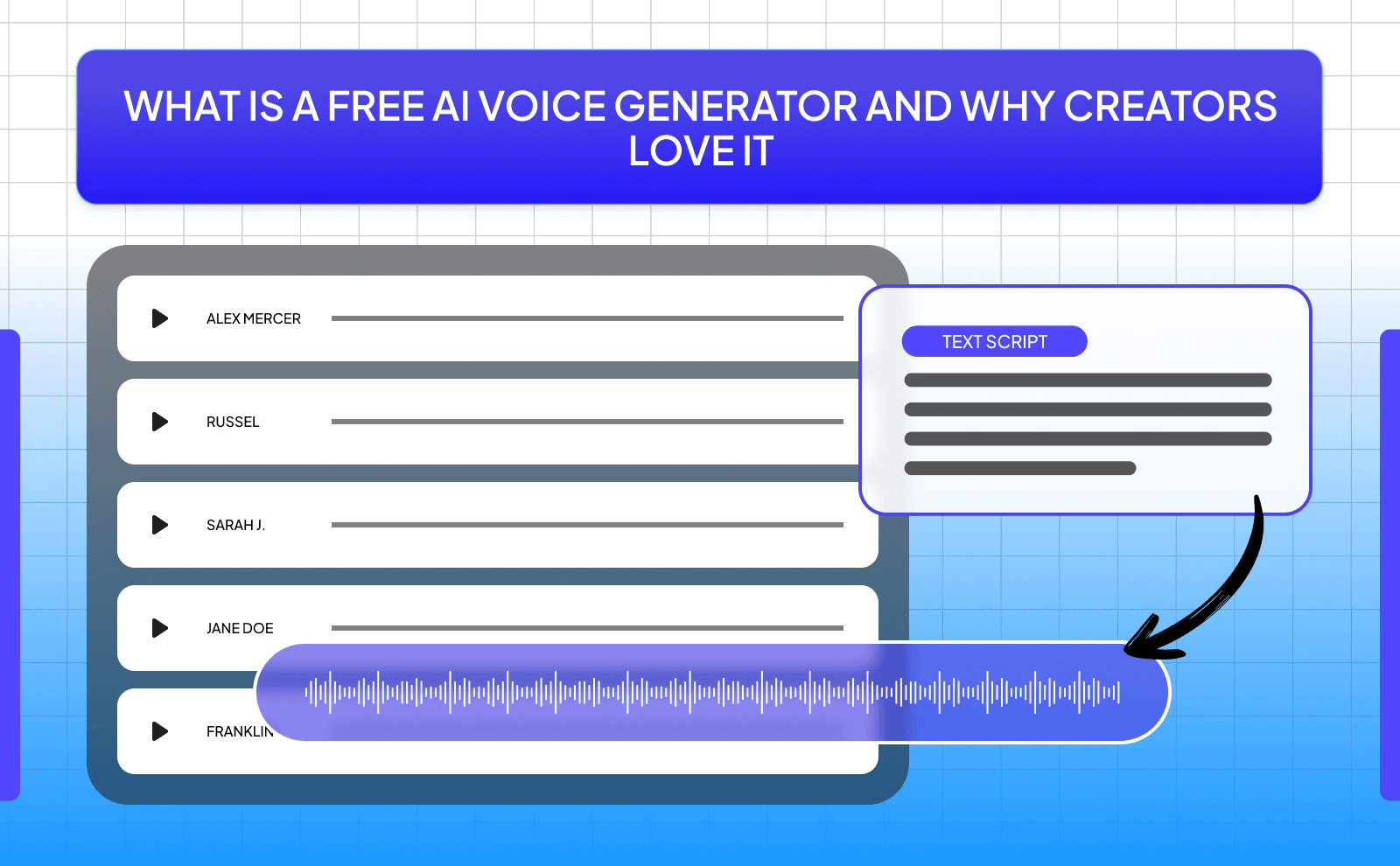
A free AI voice generator is basically a tool that turns your written text into spoken audio without charging you..at least for basic use. You don’t need to download complicated software or invest money upfront. You just go online, paste your script, pick a voice, and generate it. That’s it. Some tools have limits like word count or fewer voice options, but for beginners or creators just starting out, it’s more than enough to create solid content.
Creators love free AI voice generators because they remove so many barriers. Not everyone has a good mic, a quiet room, or the confidence to record their own voice. Plus, if you have an accent you’re not comfortable with, these tools solve that instantly. They also save time. no retakes, no editing background noise, no stress. For someone trying to post consistently or grow fast, this is huge. Many creators are now producing faceless videos entirely with AI, removing the need to ever appear on camera. It allows you to focus on ideas and content instead of getting stuck on the technical side.
How Text To Speech AI Has Changed Content Creation?
Text to speech AI has completely changed how content is made, especially for beginners. Before, if you wanted to create videos or podcasts, you had to record your voice, edit it, and deal with all the mistakes. Now, you can skip that entire process. You write your script, generate the voice, and move on. This means you can produce content faster and more consistently, which is key if you're trying to grow on platforms like YouTube or TikTok.
It’s also opened the door for people who normally wouldn’t create content at all. Maybe they’re shy, maybe they don’t like how their voice sounds, or maybe they just don’t have the setup. Now none of that matters. Anyone with an idea can turn it into content. This is why you’re seeing more faceless channels, storytelling videos, and educational content everywhere. When starting your own faceless channel, combining AI voices with the right strategy can help you grow faster than traditional methods. The barrier to entry is lower than ever, and the people who take advantage of it early are the ones growing the fastest.
What Makes A Good AI Audio Generator In 2026?
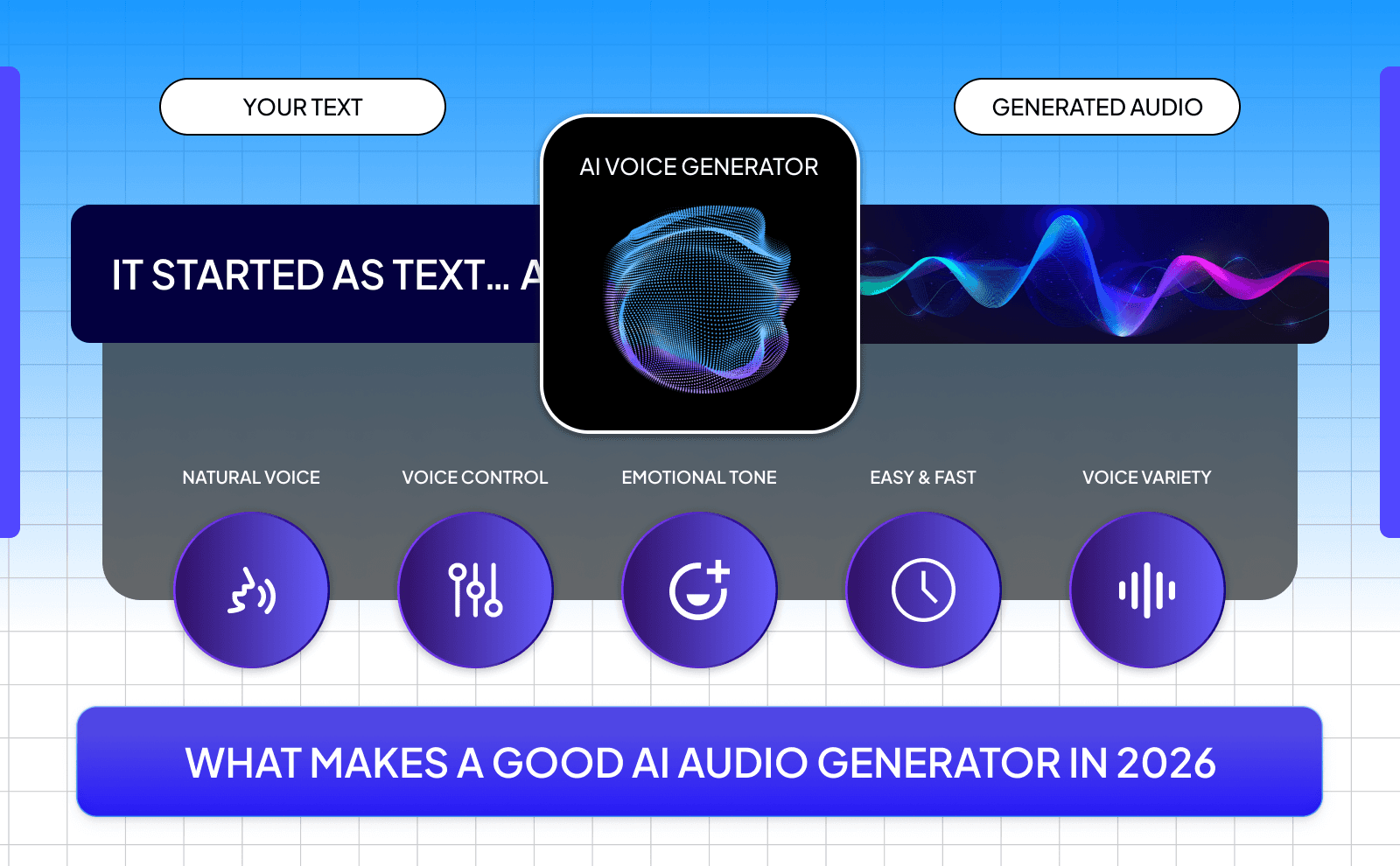
A good AI audio generator in 2026 isn’t just about sounding realistic. That’s the basic requirement now. What really matters is how natural and flexible the voice is. Can it show emotion? Can it match the tone of your content? A great tool lets you control things like pacing, emphasis, and energy so your audio doesn’t sound flat or boring. It should feel like an actual person talking, not just reading words. If your audience can’t tell it’s AI, that’s when you know it’s good.
Another important thing is ease of use and speed. You don’t want to spend hours figuring out how the tool works. The best ones are simple. paste your text, choose a voice, adjust a few settings, and you're done. Also, having different voice options, languages, and export quality matters a lot, especially if you’re creating content regularly. At the end of the day, a good AI audio generator should save you time, improve your content, and make your workflow smoother not more complicated.
How We Picked The Best Free AI Voice Generators For You?
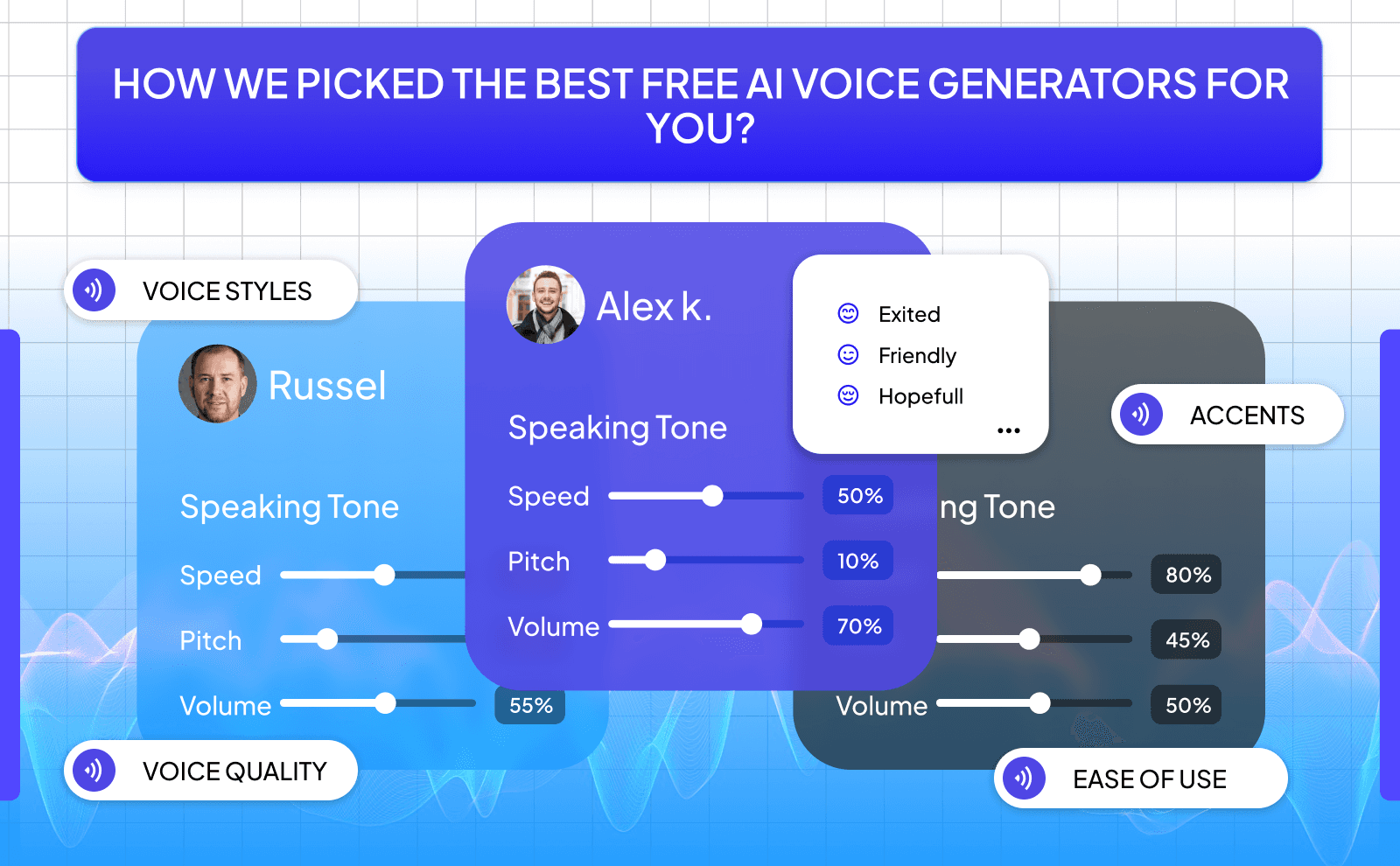
Voice Quality, Speed, And Ease Of Use
Voice quality is the number one thing that matters. If the voice doesn’t sound natural, people will click off your video fast. The best tools today have voices that include pauses, emotion, and flow that feels human. You want something that sounds like a real person talking, not reading. Even small things like how it handles punctuation or emphasis can make a big difference in how your content feels.
Speed and ease of use come right after that. A good tool should let you go from script to audio in minutes. No complicated setup, no long waiting times. Just paste your text, pick a voice, and generate. If you’re creating content daily, this becomes extremely important. The smoother the process, the more consistent you can be. and consistency is what helps you grow.
Free Plans, Download Limits, And AI Voiceover Free No Watermark Support
Not all free plans are the same, and this is where a lot of creators get caught off guard. Some tools give you a decent amount of free words every month, while others limit you heavily. You need to check if you can actually download the audio or if it’s locked behind a paid plan. Also, watch out for tools that force you to credit them in your content. That can make your videos look less professional.
The best free AI voice generators give you enough room to actually create content without feeling stuck. Even if there are limits, they should be fair and usable. Ideally, you want a tool that lets you test, create, and grow before you ever think about paying. That way, you can build momentum first instead of spending money too early.
Language Options, Accents, And Voice Styles
Having different languages and accents is a huge advantage, especially if you want to reach a wider audience. Some tools offer voices in English with different accents like American, British, or Australian. Others go even further with multiple languages, which is perfect if you want to target global viewers or experiment with different markets.
Voice styles also matter more than people think. A storytelling video needs a completely different tone than a fast-paced TikTok or an ad. The best tools let you choose between calm, energetic, serious, or even emotional styles. This helps your content feel more natural and keeps people engaged longer, which is key for growth.
Top Free AI Voice Generator Tools That Actually Sound Real
There are a lot of tools out there, but only a few actually sound real enough to use in serious content. The top ones today are Elevenlabs and Murf AI. These tools don’t just read text, they perform it. When paired with other AI content creation tools, you can build a complete workflow that handles everything from ideation to final video. That’s what separates average tools from the ones creators actually rely on.
Another thing that makes these tools stand out is consistency. You can use the same voice across multiple videos and build a recognizable style for your channel. This is important if you're building a brand, even if it's faceless. When people start recognizing your voice style, your content feels more professional and trustworthy.
Best Free TTS Generator Tools For Clear And Natural Voices
The best free text-to-speech tools today are all about clarity. You want your audience to understand every word without effort. That means no weird pronunciations, no awkward pauses, and no robotic tone. Good TTS tools handle simple scripts and complex sentences equally well, which makes your content smoother overall.
They also give you small controls that make a big difference. You can adjust speed, add pauses, or emphasize certain words. These little tweaks help your voiceover sound more human. Even if you're using a free tool, these features can take your content from average to great if you use them right.
Free AI Voiceover Tool Options For Video And Podcast Projects
If you're creating videos or podcasts, you need a tool that fits your workflow. And ElevenLabs is still the best option here. Some AI voice tools are better for short-form content like TikToks, while others work well for long-form YouTube videos or podcast episodes. The key is finding one that lets you export clean, high-quality audio that you can easily drop into your editing software. These voices work especially well for marketing videos where you need professional-sounding audio without hiring a voiceover artist.
Free Voice Synthesis Tool Picks For Beginners And Solo Creators
If you're just starting out, you don’t need something complicated. So start with tools like TTSMaker and ElevenLabs. You should be able to create your first voiceover within minutes without watching tutorials or reading guides. This helps you focus on creating instead of overthinking the process.
For solo creators, time is everything. You’re doing everything yourself…ideas, scripts, editing, so your tools should make life easier. A good free voice synthesis tool lets you move fast, test ideas quickly, and stay consistent. That’s how you build momentum, especially in the early stages.
Is A Paid AI Voiceover Generator Better Than A Free One?
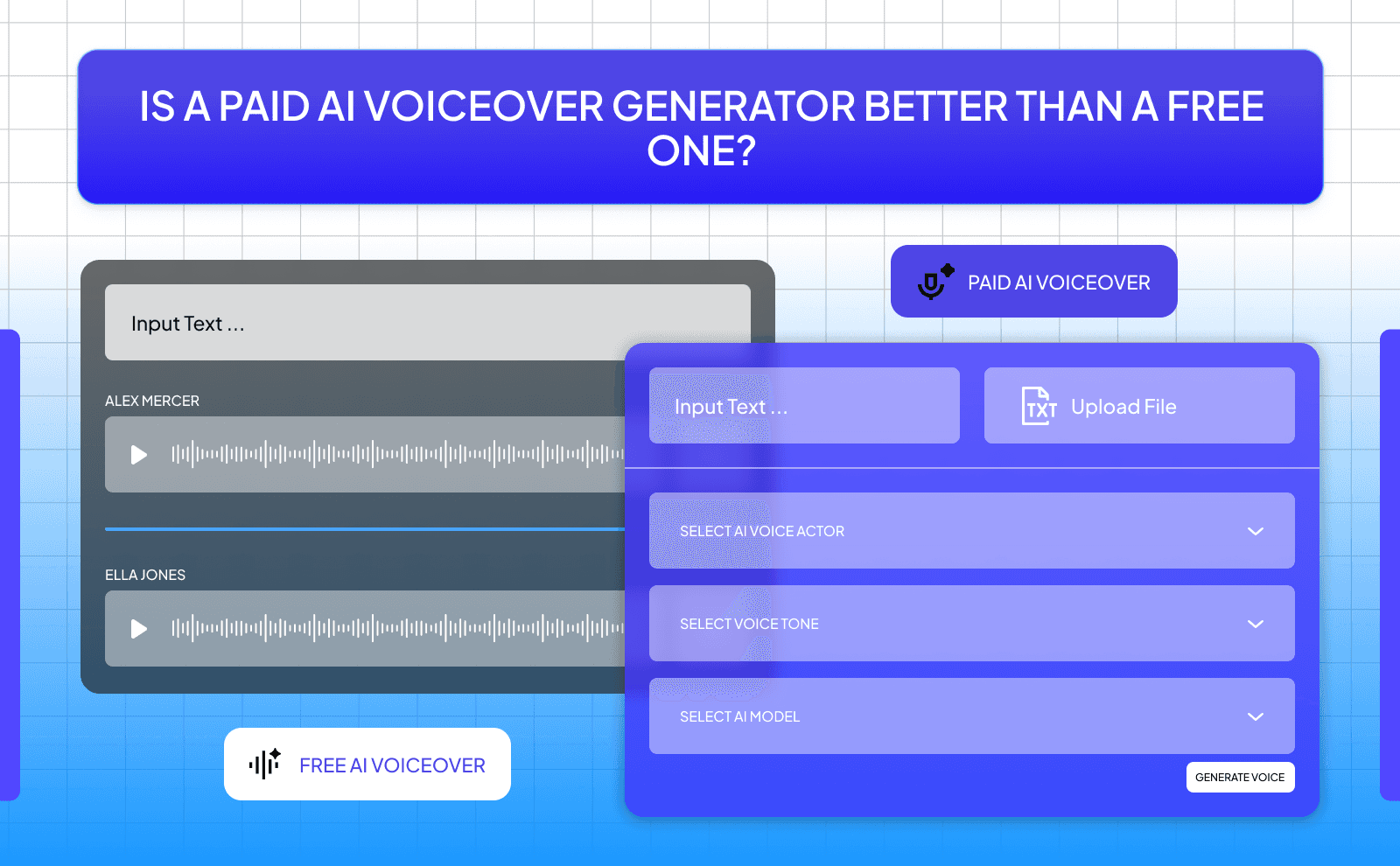
Paid AI voice generators are usually better, but not always necessary, especially at the beginning. They often give you more realistic voices, higher quality audio, and more control over tone and emotion. You also get more usage limits, which is important if you're posting a lot of content regularly.
But free tools are more than enough to get started and even grow a channel. The real difference comes when you start scaling. If you're making money or posting daily, upgrading can save you time and improve quality. Until then, it’s smarter to use free tools, learn the process, and only upgrade when it actually makes sense.
How To Use A Free AI Voice For YouTube And Social Media Content?
Using an AI voice for your content is actually very simple once you try it. Before you generate the voice, make sure to write your script carefully, as the quality of your script directly affects how natural the final audio sounds. You write your script, paste it into the tool, pick a voice you like, and download the audio. Then you just add it to your video while editing. That’s it. You don’t need a mic, you don’t need to record anything, and you don’t have to worry about messing up and redoing it 10 times.
What really matters is how you put everything together. The voice alone isn’t enough, you need visuals that match what’s being said. That could be clips, images, or even simple text on screen. When the voice and visuals fit well together, your video feels clean and easy to watch, and people are more likely to stay until the end.
Adding A Free AI Narrator To Your YouTube Videos And Shorts
If you’re making YouTube videos, adding a voice makes a big difference. It helps guide the viewer instead of making them read everything on screen. Even for simple videos, a voice keeps people more focused and makes your content feel more complete.
For Shorts, you want to keep things quick and straight to the point. Use short sentences and don’t try to say too much at once. The faster people understand your video, the better it performs. With AI voices, you can easily adjust the speed or try a different voice until it feels right.
Making Voiceovers For TikTok, Reels, And Other Platforms Without Paying
Short videos are perfect for free AI voice tools. You don’t need long scripts, and you don’t need perfect audio. Just something clear and easy to understand. You can create a voiceover in a few minutes and post right away, which makes it easier to stay consistent.
It also gives you freedom to try different ideas. You can test different voices, different styles, and see what people react to. Since you’re not paying for it, there’s no pressure. You just keep trying until something works.
How Can You Use VidRush To Automate Your Complete Faceless Video Channel?
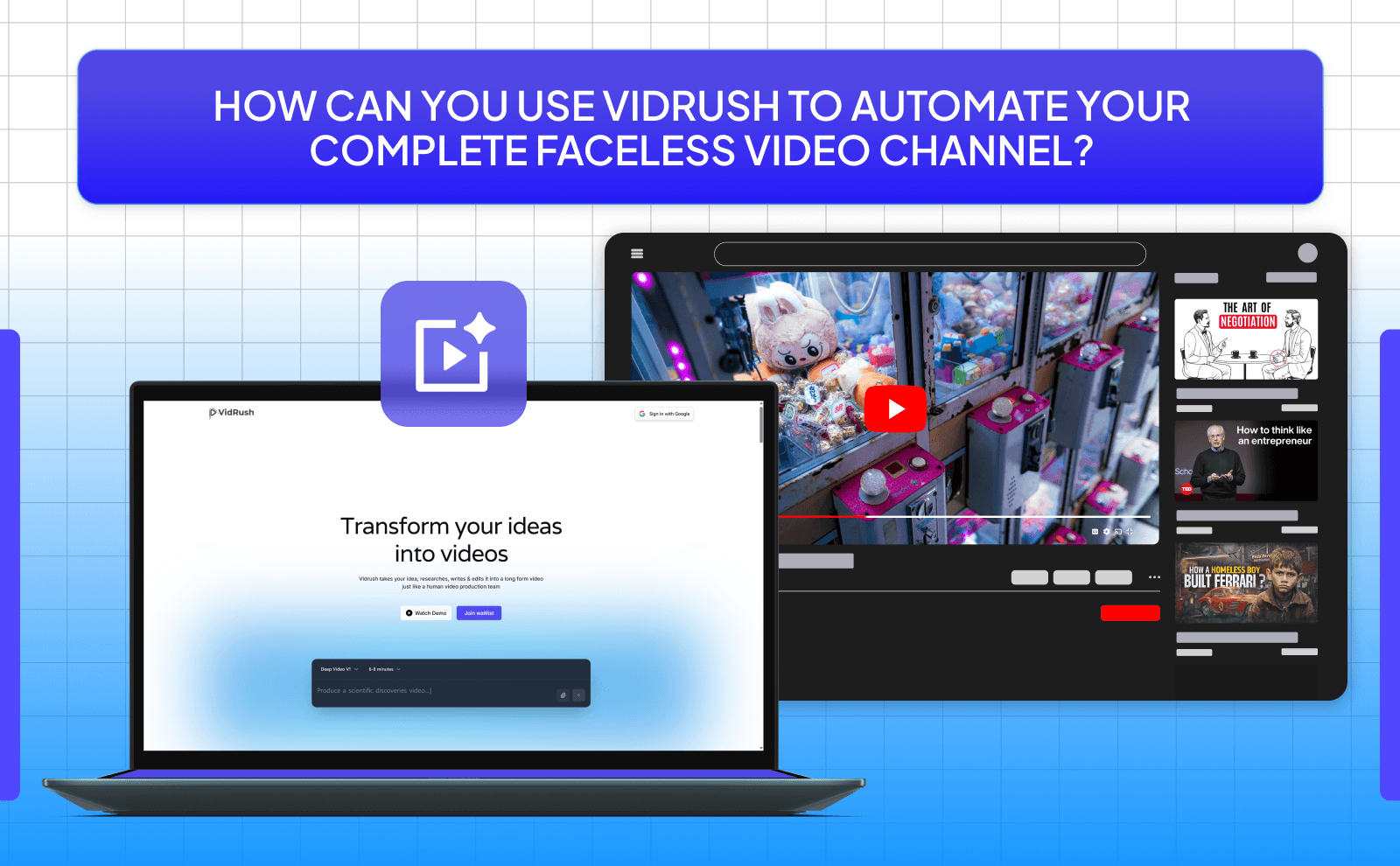
Tools like VidRush are made for people who don’t want to do everything manually. Instead of writing, recording, editing, and searching for clips one by one, a lot of that can be handled for you. This saves a lot of time, especially if you're posting often.
The main benefit is that you can focus more on ideas instead of getting stuck doing the same tasks again and again. If you’re running a faceless channel, this can help you stay consistent without burning out. Combining voice generation with AI tools for faceless content makes the entire process smoother and faster. You still need to think and guide the process, but it removes a big part of the workload.
Free AI Voice Generators Vs Paid Plans And What You Really Get
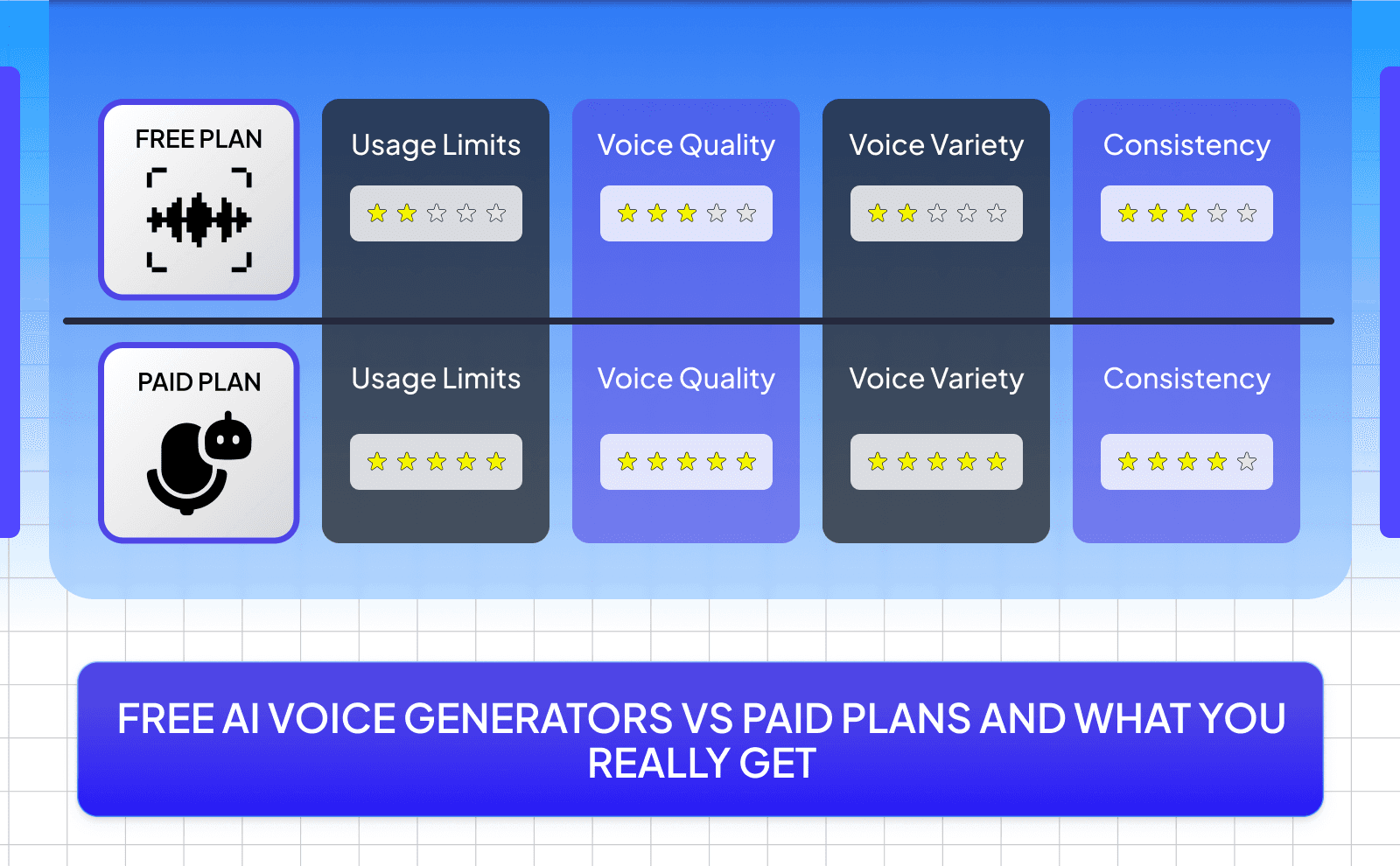
The biggest difference between free and paid tools is how much you can use them and how much control you have. Free tools usually give you enough to start, but they come with limits. Paid ones remove most of those limits and give you more options.
That said, free tools can still take you pretty far. A lot of people grow their pages using only free versions. The paid tools just make things easier once you’re doing more content and need more flexibility.
Where Free Plans Work Well And Where They Limit You?
Free plans are great when you’re just starting or testing things out. You can make videos, try different ideas, and learn what works without spending anything. If you’re not posting every day, you probably won’t even feel the limits at first.
But once you start doing more, you’ll notice the restrictions. Maybe you run out of words, or you want better audio quality, or more voice options. That’s when free tools can start slowing you down instead of helping you.
When It Makes Sense To Move From A Free To A Paid AI Voiceover Tool?
You don’t need to pay right away. It only makes sense when you start taking content more seriously. For example, if you're posting a lot, hitting limits, or trying to improve quality, then upgrading can help.
Another sign is when you want things to feel more consistent and polished. Paid tools usually give you better control and more reliable results. But until you reach that point, it’s better to stick with free tools and focus on improving your content first.
How To Get The Best Output From A Free AI Voice Generator?
Even if you’re using a free tool, you can still get really good results if you use it right. The biggest thing is your script. If your script sounds natural, the voice will sound better. If your script is messy, the audio will sound off no matter what tool you use.
Also, don’t just generate it once and move on. Try different voices, adjust the speed, and listen carefully. Small changes can make a big difference. Taking a few extra minutes here can improve your final result a lot.
Writing Scripts That Sound Natural With AI Voices
The easiest way to make your script sound natural is to keep it simple. Write like you talk. Short sentences, clear ideas, nothing complicated. If it feels easy to read, it will sound better when turned into audio.
A good trick is to read your script out loud. If something feels awkward when you say it, change it. That usually means it won’t sound right with AI either. Fixing that early saves you time later. If you need help creating scripts quickly, an AI script generator can give you a solid starting point that you can then refine.
Picking The Right Voice, Tone, And Speed For Your Project
Not every voice works for every video. A slow, calm voice might be good for storytelling, but it won’t fit a fast TikTok. You need to match the voice to the type of content you’re making.
Speed matters too. If it’s too fast, people won’t follow. If it’s too slow, they’ll lose interest. Try a few options and see what feels right. Most tools make it easy to adjust, so take advantage of that.
Avoiding Common Errors With Free Text To Speech AI Tools
One mistake a lot of people make is writing scripts that are too long or complicated. That makes the voice sound unnatural. Keeping things simple fixes most of these issues right away.
Another mistake is not checking the final audio. Always listen before using it. Sometimes words are pronounced wrong or pauses feel off. Fixing those small things can make your content sound much more clean and put together.
Conclusion
AI voice generators in 2026 make it easier than ever to create content without worrying about recording your own voice, and the truth is you don’t need anything complicated to get started. Free tools are more than enough in the beginning, and if you use AI voice generators the right way with good scripts, the right voice, and simple edits, you can create content that sounds clean and keeps people watching.
FAQs
What Is The Best AI Voice Generator To Use In 2026
ElevenLabs is hands down the best AI voice generator to use in 2026 due to its quality of voices and insane amount of voice options and languages that you can test out for free.
Can I Get AI Voiceover Free No Watermark For My YouTube Videos
Yes, usually tools do offer free plans without watermarks, but you need to check their limits and usage rules.
Which Free AI Audio Generator Sounds The Most Like A Real Person
ElevenLabs, Murf AI, VidRush, Google AI studio.
Are Free Text To Speech AI Tools Good Enough For Professional Work
They can be good enough if used properly, especially for online content like YouTube, TikTok, and simple projects.
What Is The Best Free AI Narrator For Long Videos And Audiobooks
Look for a tool that gives you longer word limits and consistent voice quality so your audio doesn’t change mid-project.
Can I Use A Free AI Voiceover Tool For Commercial Projects
tools allow it, but you should always check the terms because not all free plans include commercial use.
How Many Languages Do Free Voice Synthesis Tools Support In 2026
Most good tools support multiple languages, often including different accents, but the exact number depends on the platform.